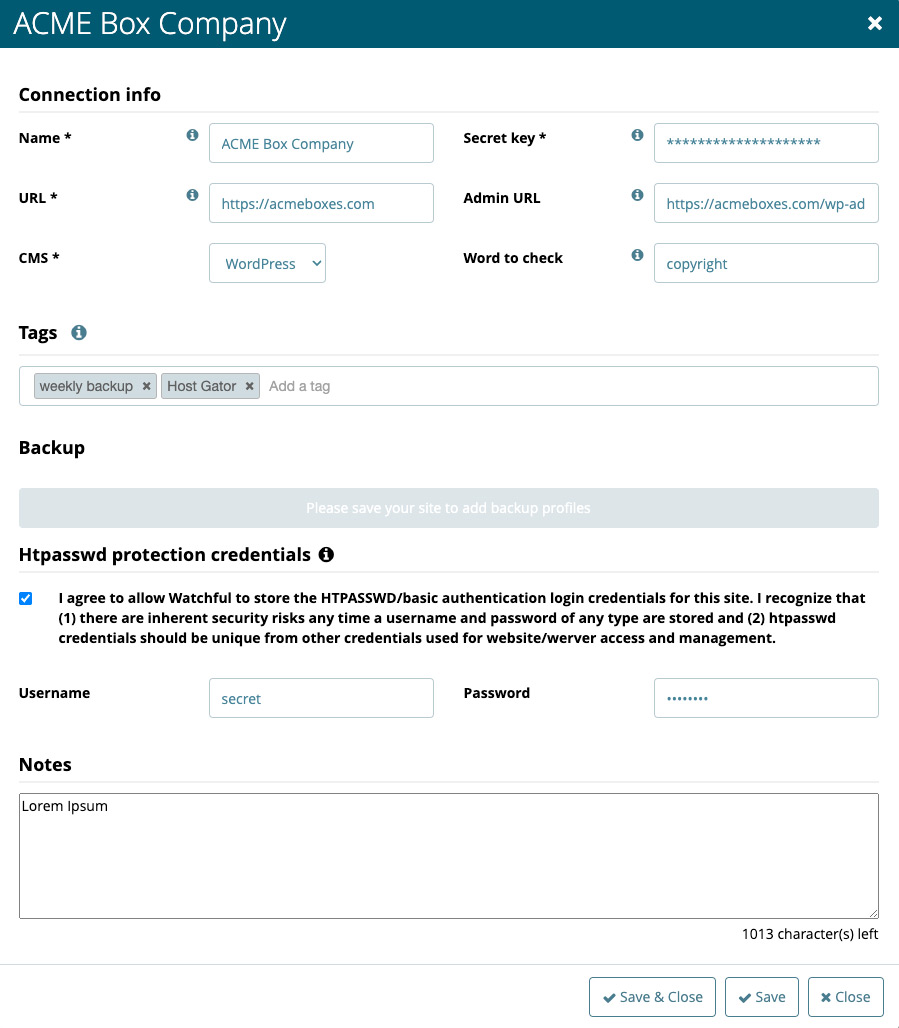
Once you’ve added a website to Watchful, you may want to customize some of its site-specific settings.
For example, you can schedule backups, configure uptime monitoring, or add notes to keep important information in mind whenever you perform maintenance on the site.
These settings, along with other site-specific options, can all be managed from the Edit Site modal.
Edit a site’s details
To update the settings for a website:
- From the
Sites Dashboard, click the name of the website you want to edit. This opens thesite drawer. - In the
site drawer, clickSite Details. - Update the settings you want to change in the
Edit Site modal. - Click
Saveto apply your changes.
The updated settings will now be used for that site in Watchful.