We’re retiring the SEO Audit in favor of Google Lighthouse
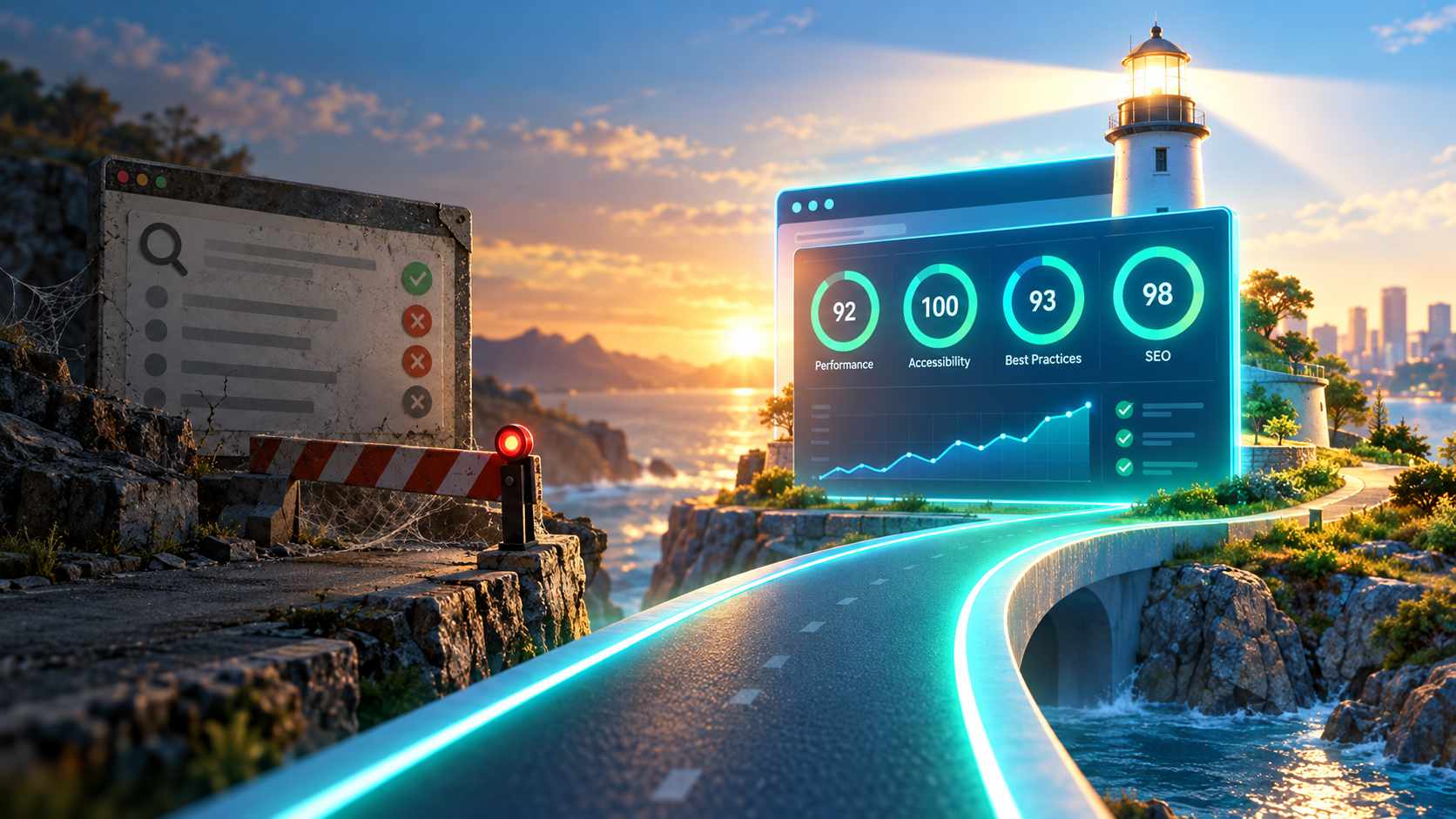
Back in 2016, we introduced Watchful’s SEO Audit to help website owners identify common problems affecting their search engine visibility. It was a useful tool for its time, checking everything from page titles and heading structure to sitemaps and other technical SEO essentials.
A decade later, website auditing has come a long way. And so has Watchful.
On November 2, 2026 we will retire our original SEO Audit and direct users to our newer Google Lighthouse integration, which provides a more comprehensive approach to website quality and SEO monitoring.
Why we’re making the change
Our original SEO Audit was built to identify common technical SEO issues. But maintaining a separate auditing tool no longer makes sense when Lighthouse offers a well-established, actively maintained alternative.
Developed by Google, Lighthouse evaluates websites across four important categories:
- SEO: Identify technical issues that could affect how search engines discover and understand your content.
- Performance: Measure page loading speed, responsiveness, and visual stability.
- Accessibility: Identify potential barriers for visitors with disabilities.
- Best Practices: Check for common technical problems and opportunities to improve website quality.
Rather than focusing exclusively on SEO, Lighthouse provides a much broader picture of your website’s health and visitor experience.
More than just an SEO audit
One of the biggest advantages of Lighthouse in Watchful is the ability to monitor website quality over time.
Watchful automatically runs Lighthouse scans every week, recording scores for both mobile and desktop devices.
These results are stored in your site’s scan history, where you can review trends, compare previous results, and identify unexpected changes.
You can also enable notifications when your Lighthouse Performance score drops significantly. Watchful compares the latest score against your site’s average and can alert you when either the mobile or desktop score decreases by 25% or more.
And when you want to investigate a problem, simply launch a manual Lighthouse scan to generate a detailed report with individual audits, performance metrics, and recommendations.
Unlike the automated weekly scans, which record scores only, manual scans provide a complete report that you can revisit from your scan history.
How to use Lighthouse in Watchful
Getting started is easy:
- Open your Watchful
Sites Dashboard. - Find the website you want to analyze.
- Expand its
site drawer. - Select
Lighthouse Scan. - Click
Scan againto generate a detailed Lighthouse report.
Expand the Mobile report or Desktop report section to explore the results, including the built-in SEO audit.
You can also access the Lighthouse scan history from the site drawer to review scores from previous scans.
For step-by-step instructions, including how to enable performance drop notifications, see our guide to monitoring website quality with Lighthouse.
What happens to the old SEO Audit?
We’ll be removing the legacy SEO Audit from Watchful as part of our ongoing efforts to simplify the platform and eliminate redundant tools.
If you’ve been using the original SEO Audit, we encourage you to switch to Lighthouse now.
It’s a straightforward transition, and you’ll gain several capabilities that weren’t available in the original tool, including mobile and desktop analysis, historical score tracking, automated weekly scans, and performance drop notifications.
Digging deeper
To learn more about Lighthouse, see Monitoring website quality with Lighthouse in our documentation area.


0 Comments